Every day tells a story.
A weekly calendar, full-year heat map and streak history make it easy to see when you showed up. Build consistency one check-in at a time.
A quiet place to show up for yourself. Check in, see your progress, and make the routines that matter part of your day.
DayLy · Made for your everydayiOS 26 or later · See App Store for device compatibility and current pricing
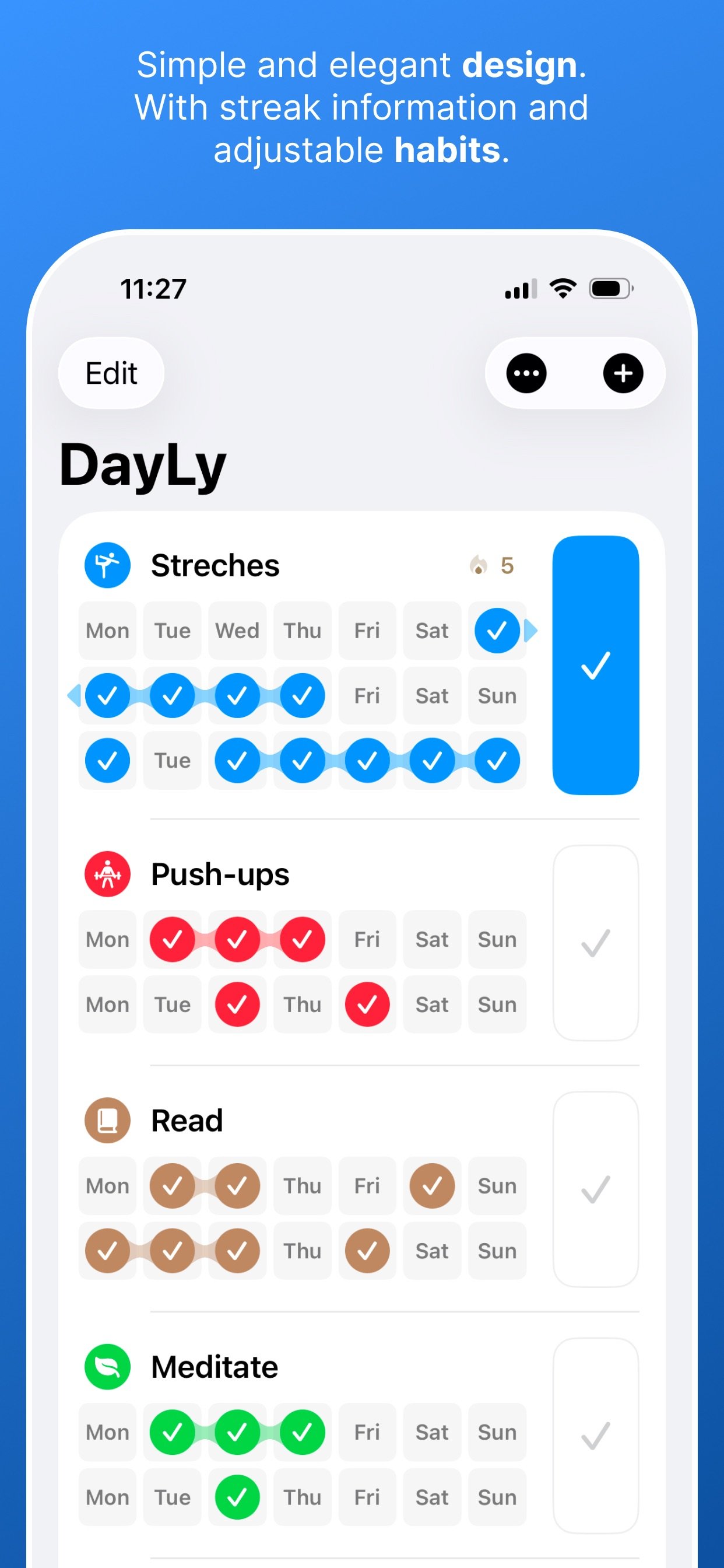
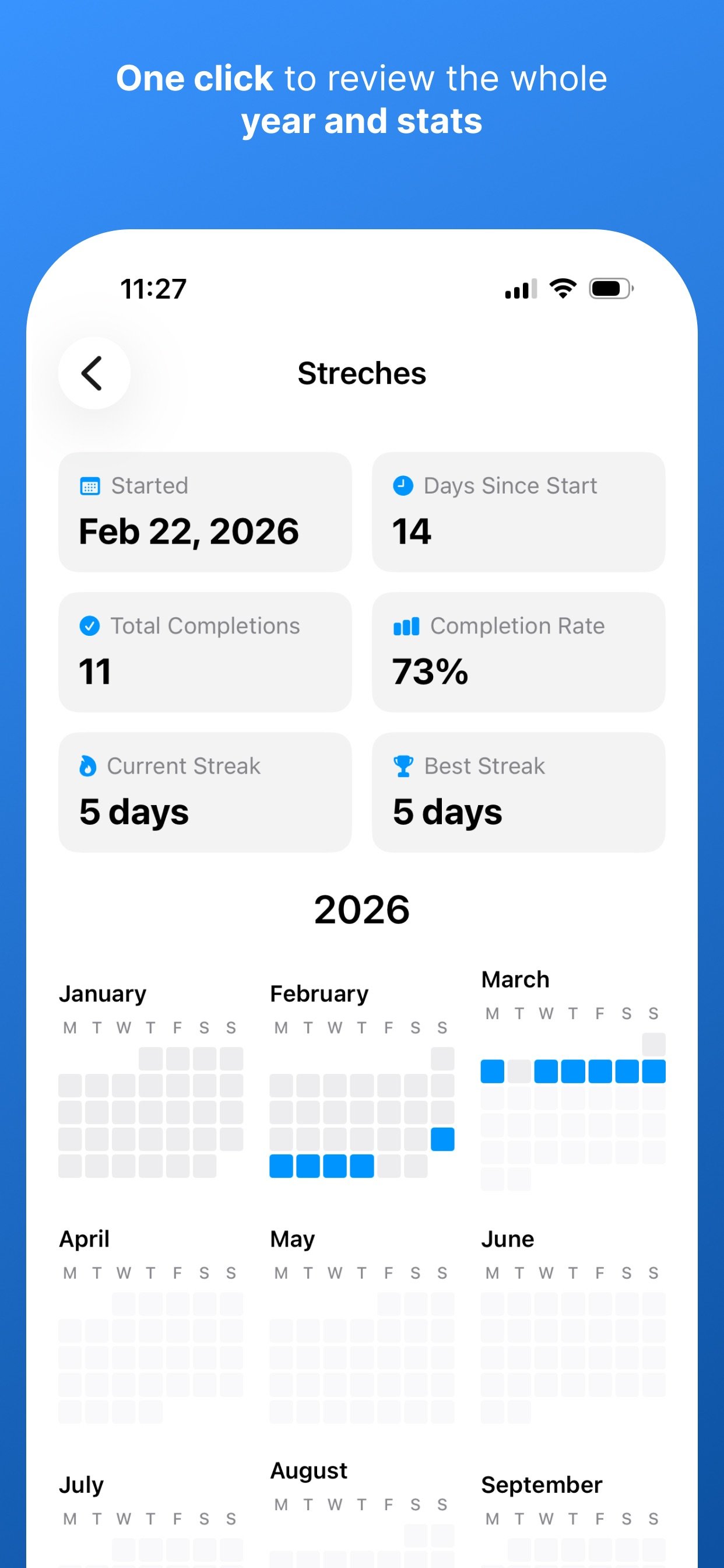
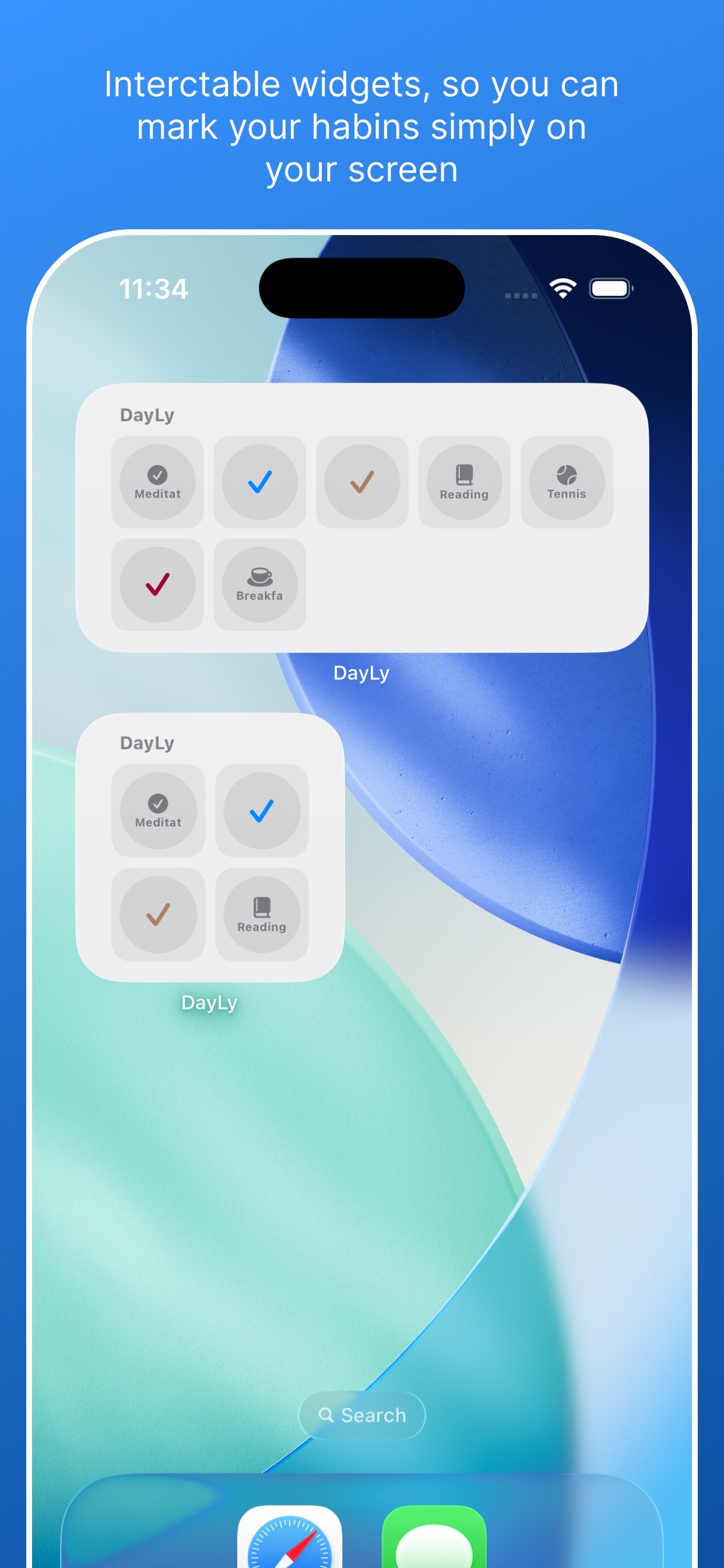
A weekly calendar, full-year heat map and streak history make it easy to see when you showed up. Build consistency one check-in at a time.
Use Home Screen and Lock Screen widgets, log habits with Shortcuts, or check them off from your paired Apple Watch.
Choose icons and colors, set your preferred first day of the week, and schedule daily reminders at times that work for you.
Your habits and completion history are stored on your device and can be shared with your paired Apple Watch. DayLy does not use a cloud sync service.
Read the privacy policy →DayLy is a habit tracker for iPhone with an Apple Watch companion. It helps you check in on daily routines and review your progress in calendars and streaks.
Yes. Export your habits and completion history as CSV or text to save a copy or use it elsewhere.
No. Habit data stays on your device and paired Apple Watch. Use export to keep a separate copy of your history.
Check the App Store listing for current pricing and any purchase options in your region.
Email info@easydigital.app with your device model, system version and a short description of the issue. Avoid including private information in screenshots.