Everything that renews.
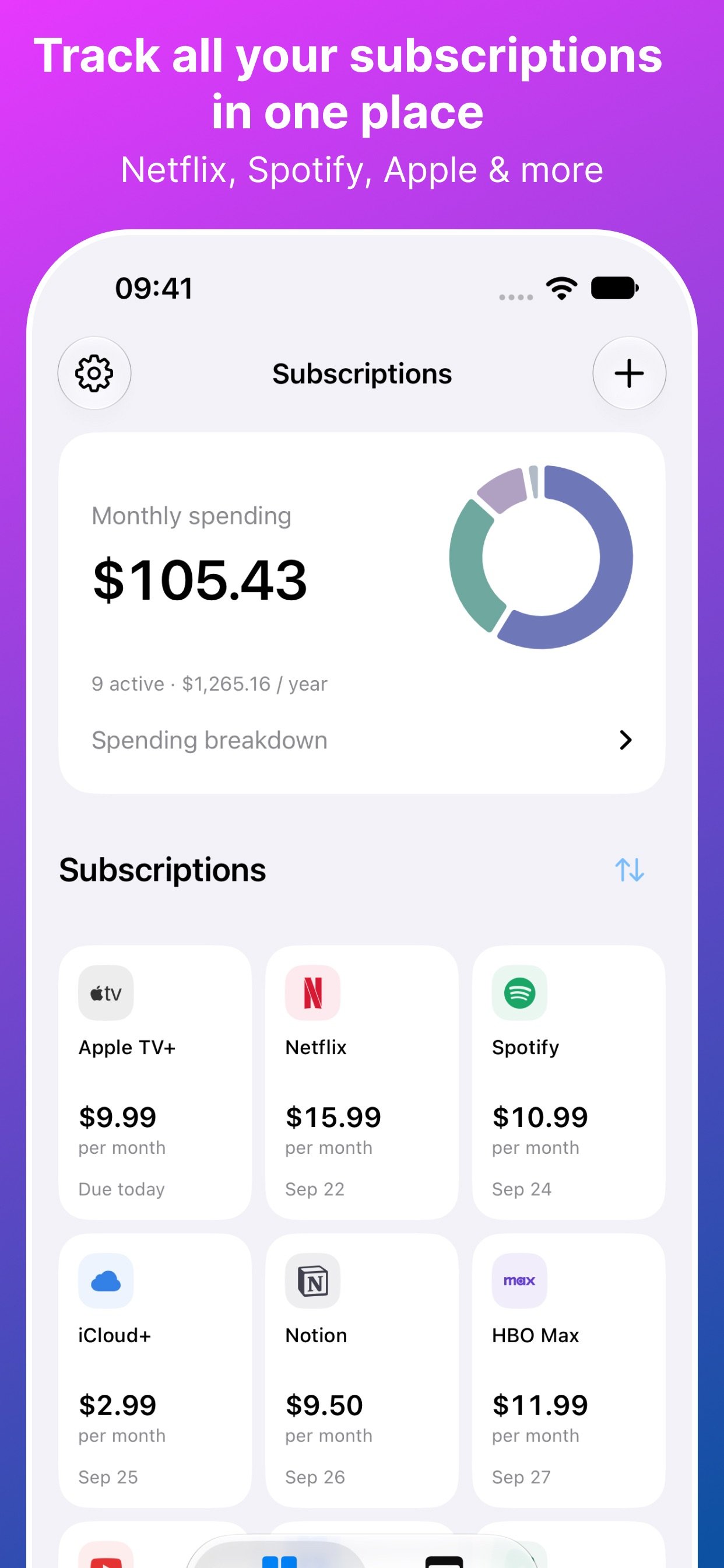
Add the services you pay for, their prices and billing schedules. Keep recurring costs together instead of scattered across emails and notes.
Put recurring payments in one place. See what is coming up, understand your monthly costs, and give every subscription a second thought.
Subs · Made for your everydayiOS 18.6 or later · See App Store for device compatibility and current pricing
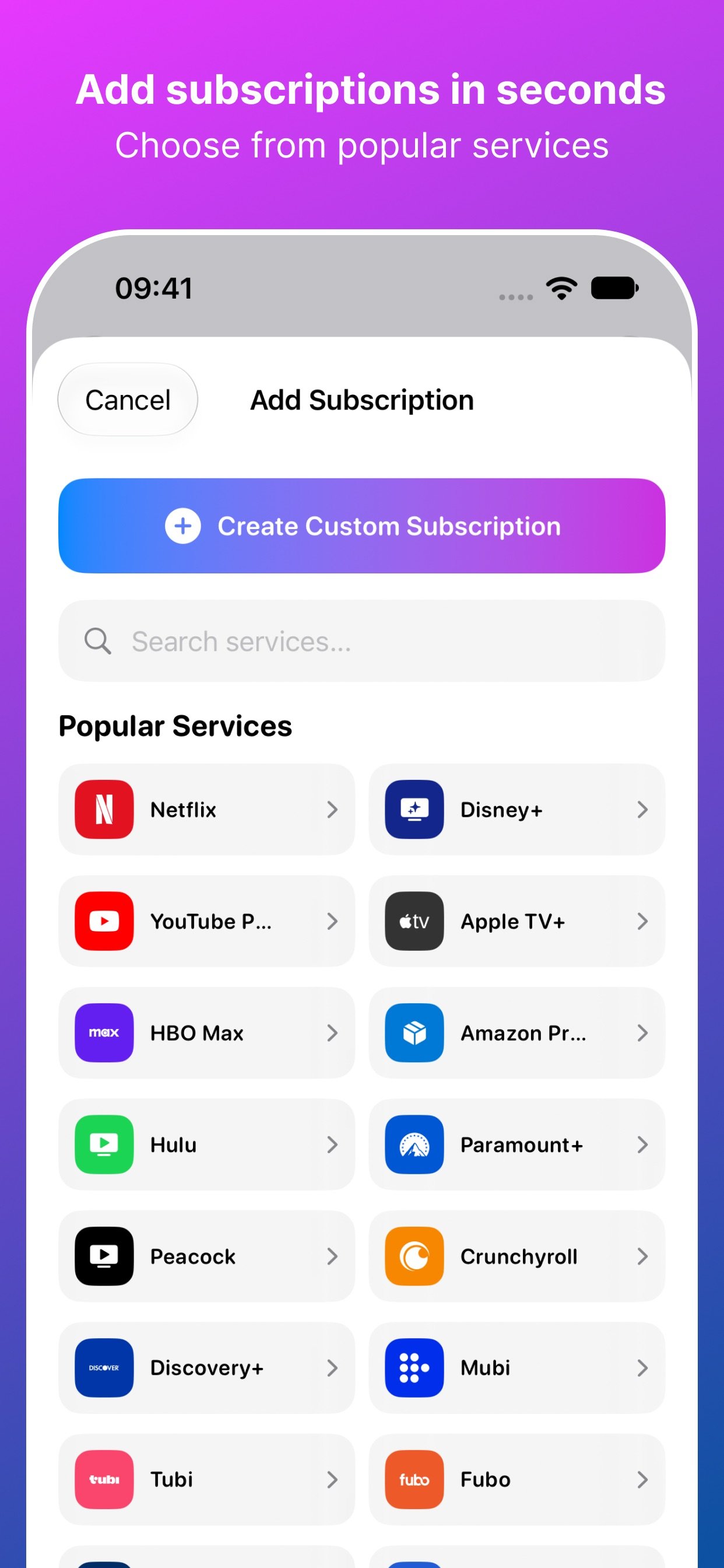
Add the services you pay for, their prices and billing schedules. Keep recurring costs together instead of scattered across emails and notes.
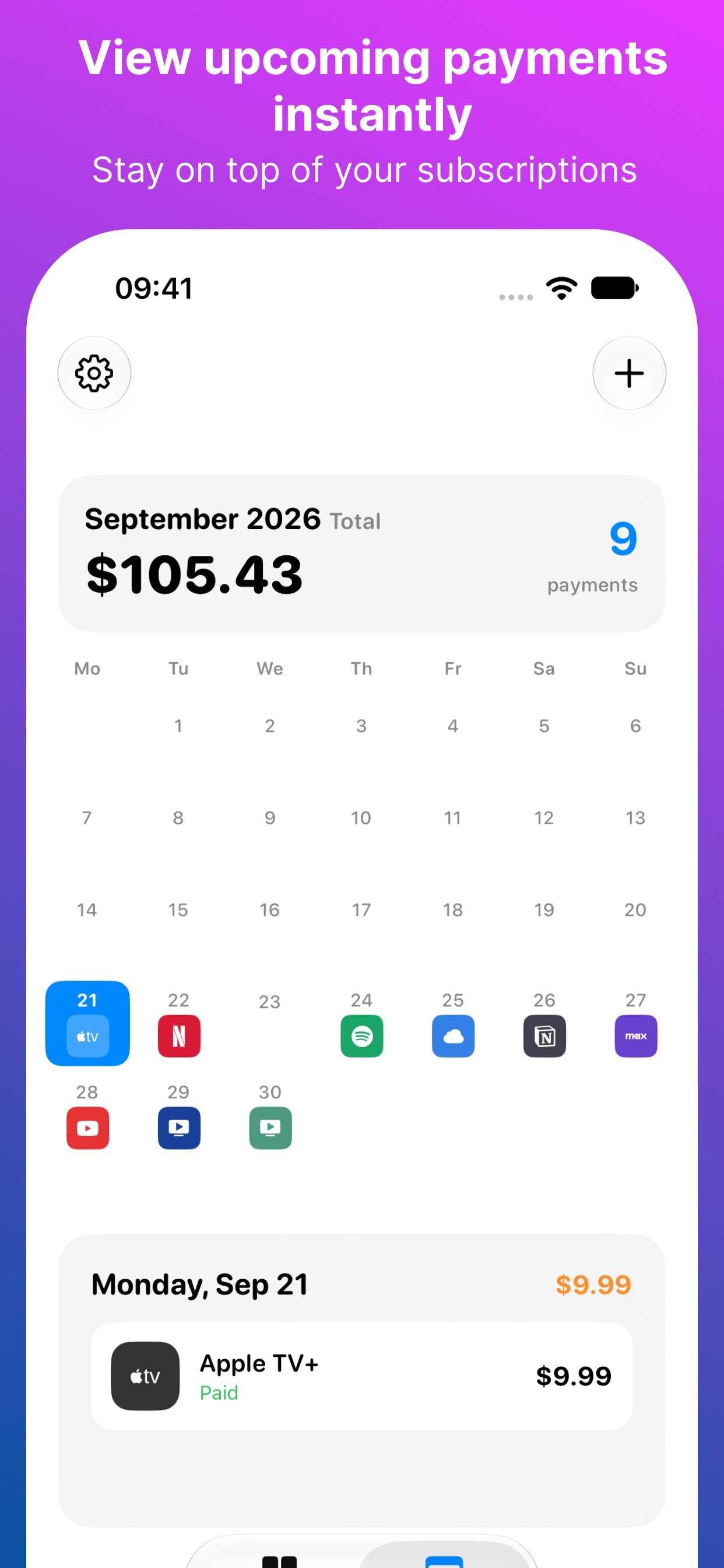
Browse upcoming renewals in the calendar and turn on reminders before payments are due. Decide what to keep with time to spare.
Review monthly spending and compare your subscriptions. A clear overview makes recurring costs easier to understand.
Subscription details are stored locally on your device. Subs does not connect to your bank and does not use iCloud or a cloud sync service.
Read the privacy policy →Subs is a subscription tracker that brings recurring payments, monthly spending and upcoming renewal dates into one app.
No. You add and maintain subscription details yourself. Subs is a tracker; it does not access your bank account.
No. Subs helps you track payments and remember renewals. Manage or cancel subscriptions directly with their provider.
No. The payment calendar is built into Subs and does not read your system calendars.
Check the App Store listing for current pricing and any purchase options in your region.
Email info@easydigital.app with your device model, system version and a short description of the issue. Avoid including private information in screenshots.